Feature
ResumeGenCV vs Teal: Which Resume Builder Fits You?
ResumeGenCV Editorial Team
Last updated
5 min read
TL;DR
- ResumeGenCV: ATS-friendly resume and cover letter templates (free library + premium upgrades), AI-assisted summaries, and experience enhancers that polish what you already write.
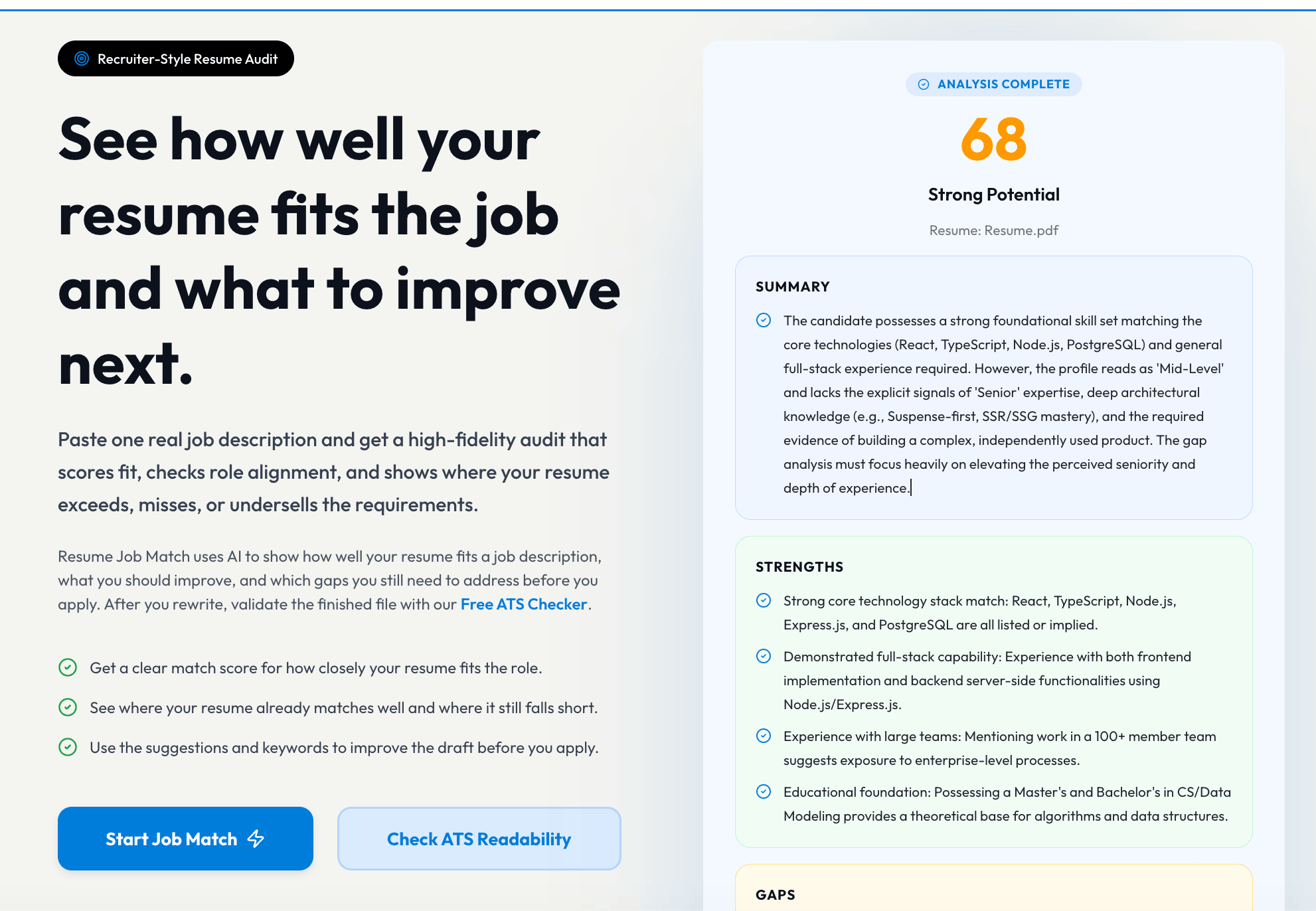
- Teal: Great job-tracking extras plus many tools; some templates are ATS-safe, others need tweaks to avoid parsing issues.
Templates, Cover Letters & ATS Readiness
- ResumeGenCV: Every default resume and cover letter template is tuned to pass ATS scanners while keeping modern typography. The free set already gives you multiple ATS-friendly resume/cover-letter starters, and premium unlocks extra templates plus polished cover letters without sacrificing parseability.
- Teal: Attractive templates plus job-tracking add-ons. Several resumes use multi-column panels or icons that require manual cleanup for strict ATS checks.
AI Writing & Enhancement
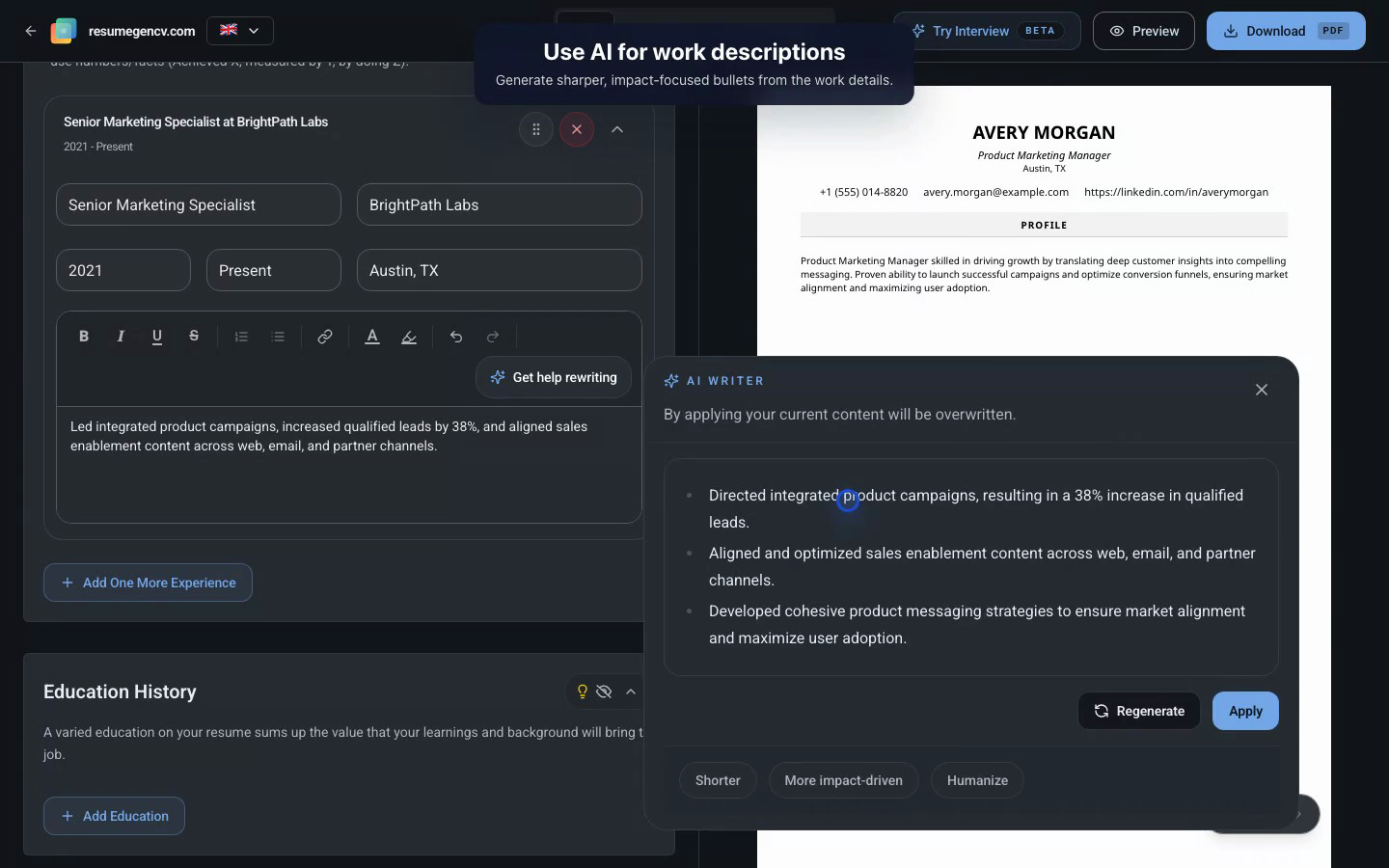
- ResumeGenCV: The AI professional summary writer/enhancer ingests your background and turns it into a concise, role-ready summary, while the experience enhancer only touches the job descriptions you provide—so your core ideas remain intact but sharper for ATS readers.
- Teal: Helpful prompts for bullets and summaries, but formatting control stays mostly manual; you still need to keep an eye on ATS-unfriendly layouts.
Resume Builder Framework
- ResumeGenCV: Offers pre-written section starters, templates tuned for both academic and professional industries, and flexible slots to add personal profiles or specialized sections (projects, publications, certifications) without breaking ATS structure.
- Teal: Provides modular sections tied to job-tracking but leans on your own content structure; specialized academic templates require more manual assembly and formatting for ATS compatibility.
Resume Resources & Formats
- ResumeGenCV: Wide selection of professionally designed, ATS-optimized resume templates plus cover letters, helpful content suggestions per section, download options (PDF/Word), and a gallery of resume examples for inspiration.
- Teal: Rich job-focused tools but fewer curated resume examples; downloads support standard formats, though you still need to manually align content suggestions per section.
Pricing Snapshot
- ResumeGenCV: Free start; paid tiers cover exports without hidden upsells.
- Teal: Free tier is generous; premium adds deeper analysis and job-tracking perks. Watch renewals on weekly/monthly options.
Good to know!
Always export and open your PDF before applying. Check headings, bullet alignment, and whether any icons or text boxes disappeared.
Free Version: What You Get
- ResumeGenCV (Free): Unlimited edits, the free ATS-friendly resume and cover-letter combo, instant PDF downloads, and AI suggestions with sensible limits.
- Teal (Free): Unlimited resumes, multiple templates, and basic keyword matching. Some AI features are credit-limited.
Premium Upgrade: What Unlocks
- ResumeGenCV Premium: Full template library, export fidelity, richer AI prompts, and upcoming collaboration/commenting.
- Teal Premium: Unlimited analysis, expanded keyword matching, email templates, and deeper job-tracking features.
Final Verdict
- Choose ResumeGenCV if ATS safety, clean exports, and straightforward pricing matter most while also benefiting from cover-letter templates and AI writers/enhancers.
- Choose Teal if you want built-in job tracking plus many career utilities and will double-check ATS formatting yourself.