Feature
ResumeGenCV vs Resume.io: Which Resume Builder Wins?
ResumeGenCV
Last updated
5 min read
TL;DR
- If you need ATS-first resumes with instant PDF download, modern resume/cover-letter templates (free + premium), and AI summary/description enhancements, choose ResumeGenCV.
- If you want a large template library with basic exports and don't mind heavier styling, Resume.io works.
- For collaborative editing and AI guidance tuned for ATS keywords, ResumeGenCV currently edges ahead.
Quick Scorecard
| Area | ResumeGenCV | Resume.io |
|---|---|---|
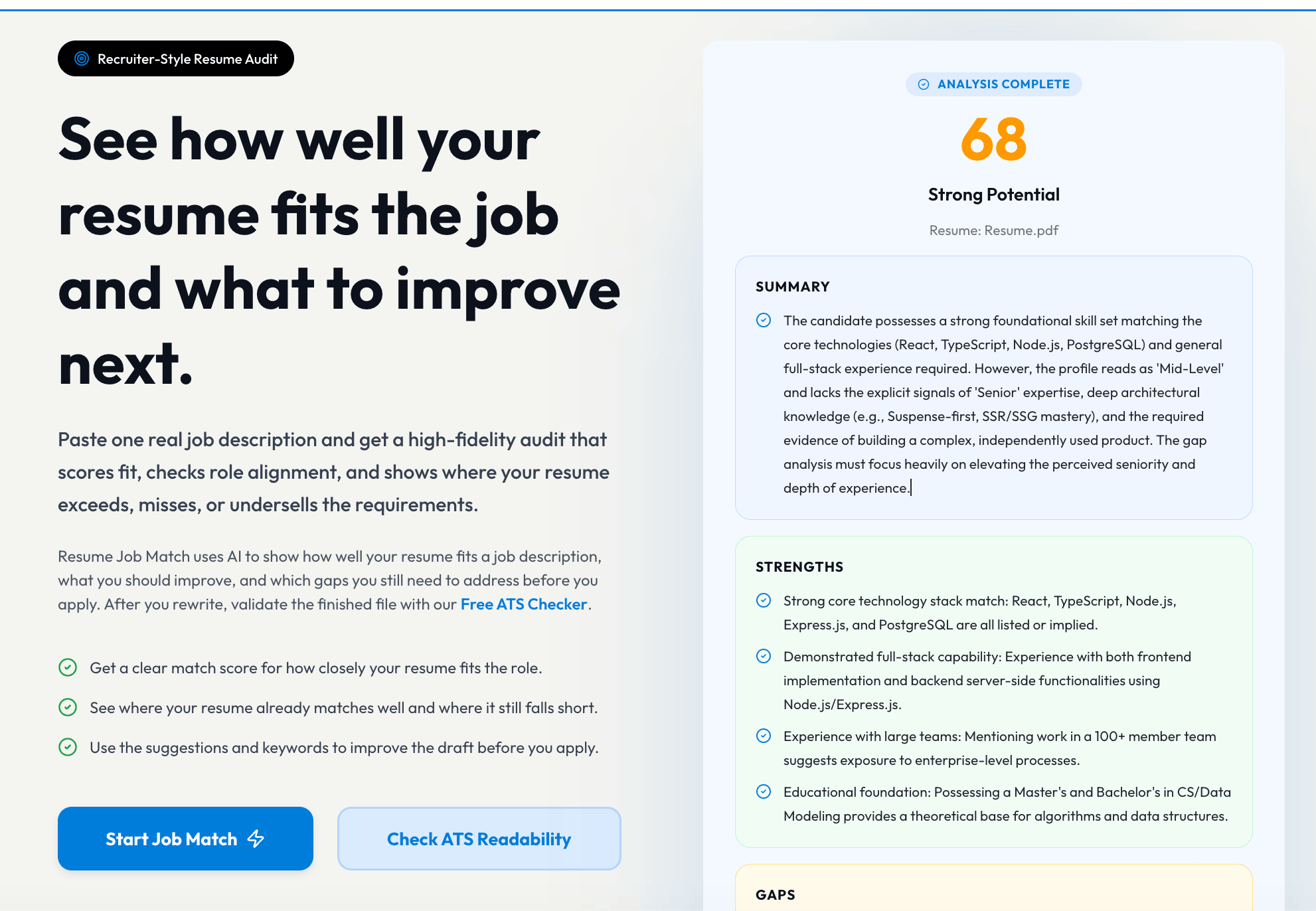
| ATS readiness | ✅ Clean, ATS-safe layouts by default | ⚠️ Some templates add columns/icons that can trip ATS |
| Templates | ✅ Modern + minimal, mobile preview built-in | ✅ Broad library, some dated layouts |
| Exports | ✅ Fast PDF, preserving layout; DOCX planned | ✅ PDF, DOCX; some styling shifts on export |
| AI help | ✅ Keyword prompts + suggestions | ✅ Basic content hints |
| Collaboration | ✅ Comment + edit flows planned | ⚠️ Mostly single-user |
| Pricing | ✅ Transparent, free start | ⚠️ Multiple upsells |
Templates, Cover Letters & Design
- ResumeGenCV: Modern, restrained designs that prioritize parsing. Templates avoid heavy columns and icons while also providing cover-letter layouts—free users get ATS-friendly starters, premium unlocks more resume and cover-letter combinations.
- Resume.io: Bigger template catalog, but several options lean decorative. Great for visual flair, less ideal for strict ATS filters.
Editing Experience
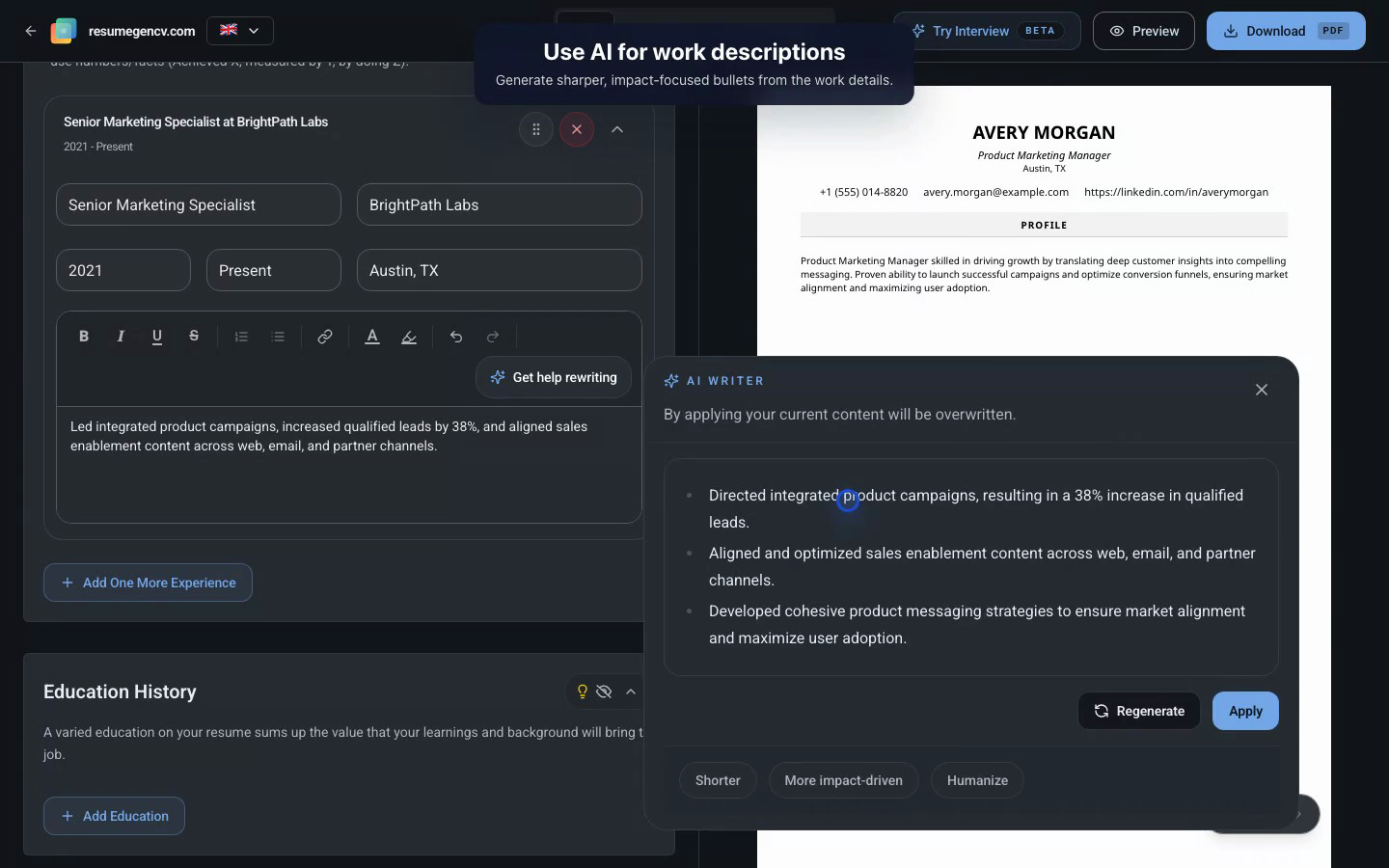
- ResumeGenCV: Inline tips for role-specific keywords, quick section toggles, and preview optimized for desktop + mobile. Export fidelity is consistent with what you see.
- Resume.io: Familiar editor with guided fields. Occasional spacing changes on export mean you may need tweaks after download.
AI Writing & Enhancement
- ResumeGenCV: The professional summary writer/enhancer digests your background and delivers a concise paragraph, while the experience enhancer only rewrites the bullets you supply to make them punchier yet still yours.
- Resume.io: Basic content hints and suggestions, but the editor doesn’t have a dedicated experience enhancer or summary transformer tuned to ATS formatting.
Resume Builder Framework
- ResumeGenCV: Ships with pre-written sections, templates optimized for academic and professional industries, and flexible sections for adding personal profiles, research, or volunteer highlights while preserving ATS-safe structure.
- Resume.io: Offers a guided step-by-step builder, but specialized sections (academic, publications, custom profiles) need manual setup and styling to stay ATS compatible.
Resume Resources & Formats
- ResumeGenCV: Offers a wide selection of professionally designed, ATS-optimized resume and cover letter templates, helpful content suggestions for each section, multiple export formats (PDF/Word), and resume examples to jump-start different industries.
- Resume.io: Plenty of templates and standard downloads, but curated section suggestions and example resumes require extra digging to replicate in an ATS-friendly way.
ATS & Keyword Handling
Good to know!
Keep photos, icons, and text boxes out of ATS-targeted resumes. Plain sections + consistent headings win.
- ResumeGenCV: Defaults to ATS-safe structure, surfaces keyword prompts based on role, and warns when formatting gets risky.
- Resume.io: Allows more visual elements; fine for creative roles, but you must self-police ATS friendliness.
Pricing & Plans
- ResumeGenCV: Free start, clear paid tiers, and no surprise add-ons for exports.
- Resume.io: Low entry cost but PDF/DOCX exports often require paid steps; watch for trial renewals.
Final Verdict: What to Choose
- Pick ResumeGenCV if you want ATS-first templates, reliable exports, and role-based suggestions.
- Pick Resume.io if you prioritize a larger variety of visual templates and are comfortable adjusting for ATS yourself.